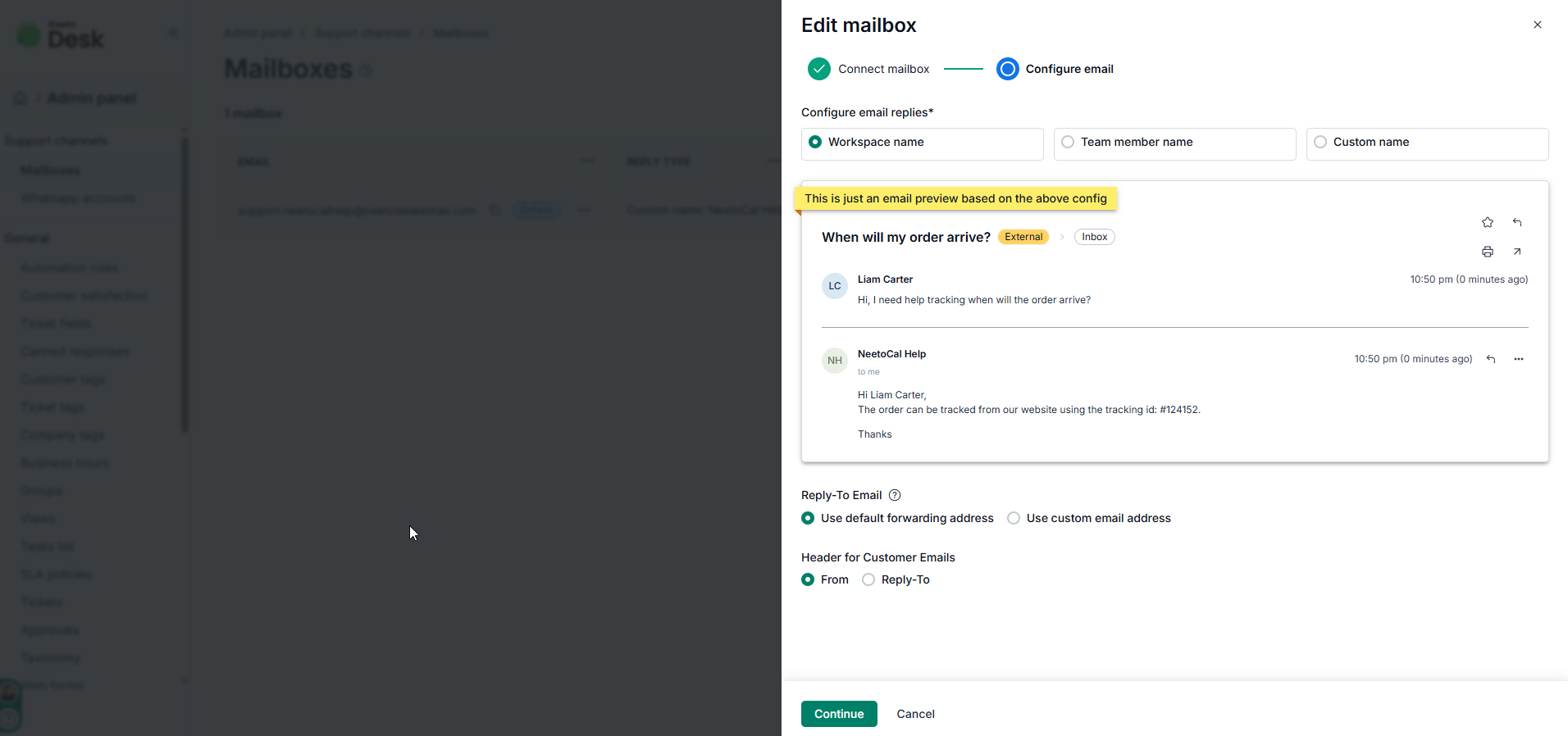
When a team member replies to a customer, the customer typically sees both the team member's name and the configured support email (e.g., Oliver Smith, [email protected]).
Depending on your brand’s tone, you may want to change this so customers see your company name instead of an individual team member. You can customize this "From" field preferences in your settings.
Go to Admin Panel.
Click on Mailboxes.
Click on Continue.
Choose Workspace name, Team member name or Custom name based on your preferences.
Click on Saved changes.