

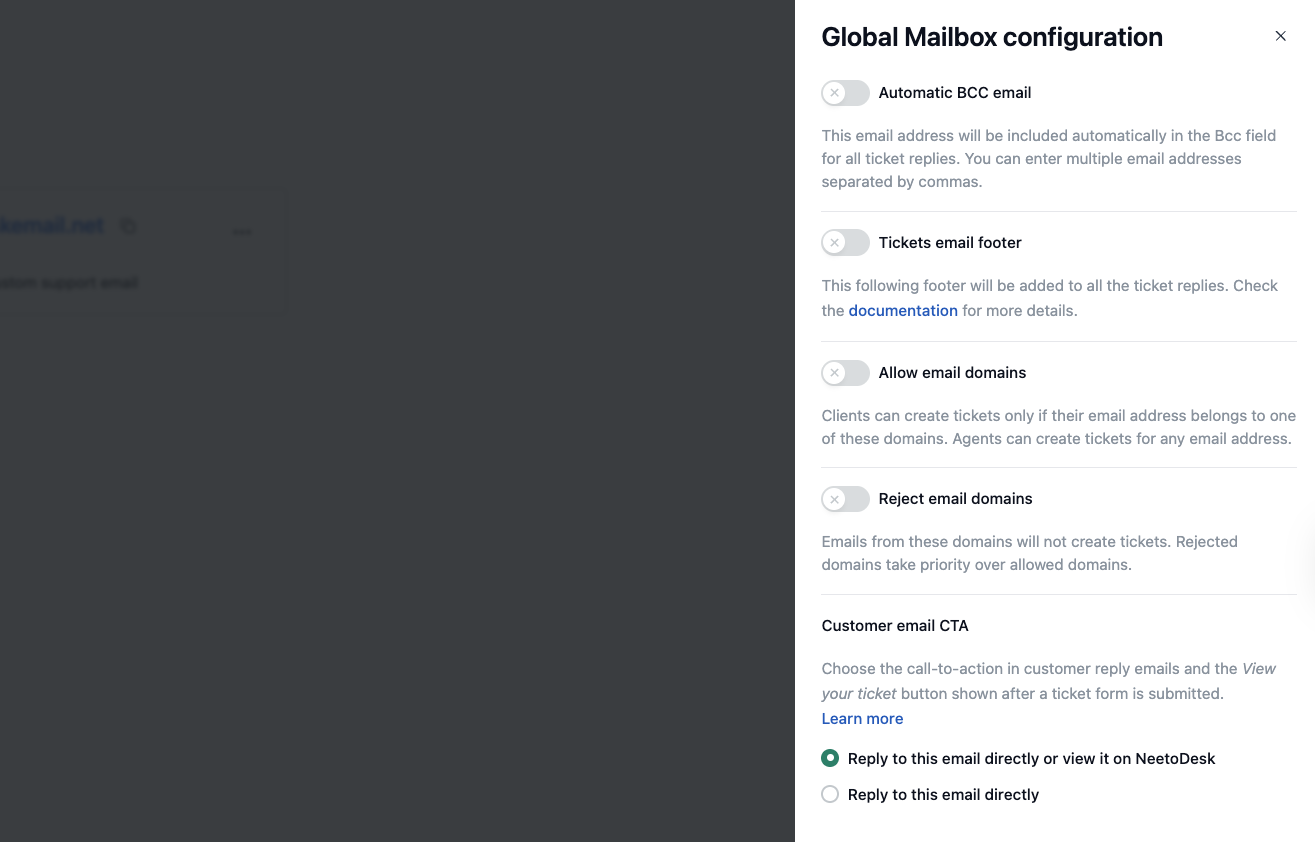
NeetoDesk displays a call-to-action (CTA) that directs customers to the NeetoDesk portal. This setting controls that CTA in two places:
The footer of customer reply emails.
The “View your ticket” button on the confirmation screen shown after a customer submits a ticket form.
You can choose between two options:
“Reply to this email directly or view it on NeetoDesk” Shows the “view it on NeetoDesk” link in reply emails, and shows the “View your ticket” button after a customer submits a Ticket forms.
“Reply to this email directly” Removes the portal link from reply emails, and hides the “View your ticket” button after a ticket form is submitted. On the confirmation screen, customers see the “Submit another request” button instead.
Changing the customer email CTA
1. Go to Admin Panel.
2. Click on Mailboxes.
3. Open the mailbox you want to configure and click on Mailbox configuration.
5. Select the option you want to use:
- Reply to this email directly or view it on NeetoDesk
- Reply to this email directly
6. Click on Save changes.
The selected CTA will appear in all reply emails sent to customers.