

Ticket activity log presents a comprehensive history of all the actions performed on a support ticket. This log assists support teams in tracking the ticket's progress, identifying potential issues or delays, and ensuring all necessary steps are taken to resolve it.
Additionally, the log helps track customer interactions and documents all communication with the customer, including every email NeetoDesk sends about the ticket.
Viewing the activity log
Open the ticket.
Click the ... menu at the top of the ticket.
Select Show activities.
Activities appear in the conversation in chronological order, between the replies. To hide them again, select Hide activities from the same menu.
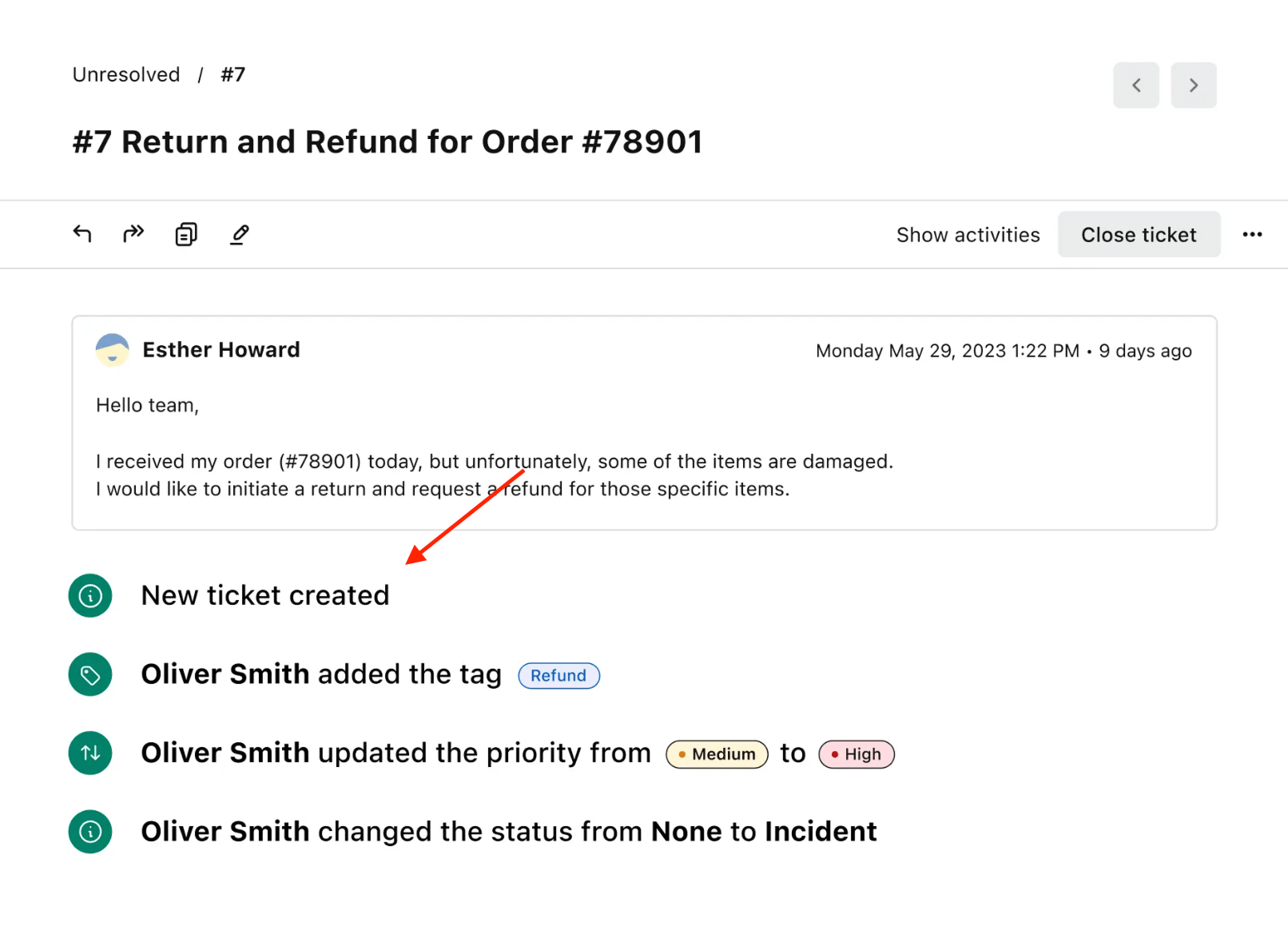.png)
Emails sent from a ticket
NeetoDesk records every email it sends about a ticket in the activity log, so you can confirm from the ticket itself which emails went out and who received them. This includes:
Replies sent by automation rules, for example an automatic acknowledgment when a ticket is created.
SLA escalation emails.
Customer satisfaction surveys.
The notice sent when attachments were too large to deliver.
Email delivery failure alerts.
Each entry shows the recipient, the time it was sent, and the message text. Click View original on an entry to see the exact email that was delivered. If an email could not be sent, the entry appears in red with the text "Failed to send to" followed by the recipient's address.
Replies from agents are not listed here; they already appear in the conversation itself.